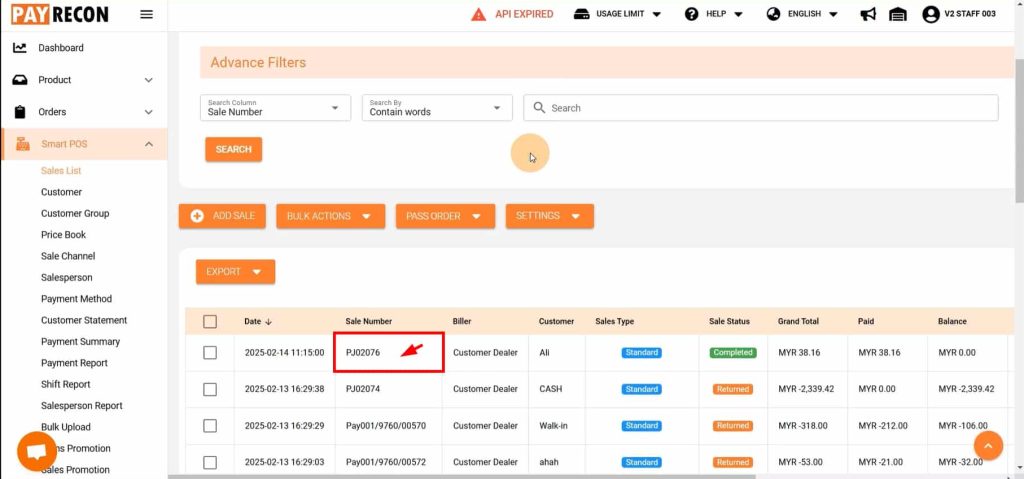
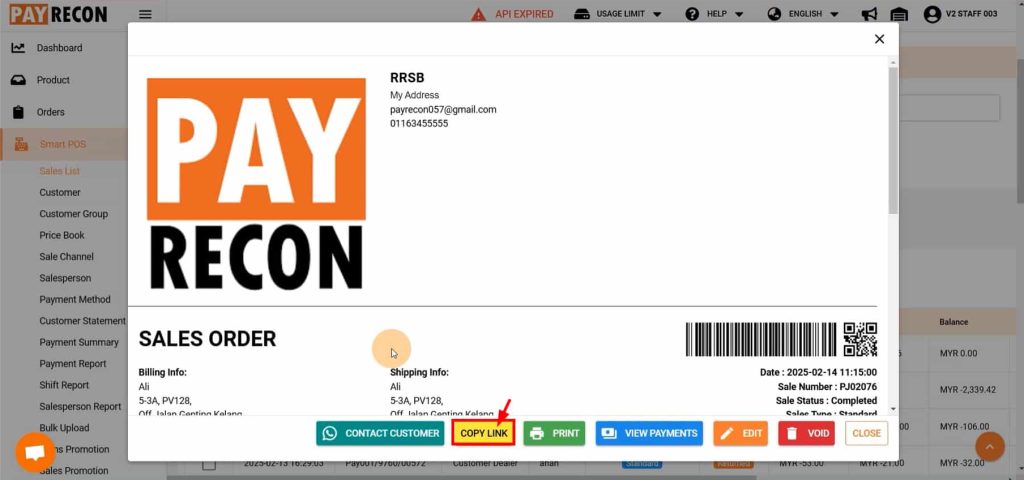
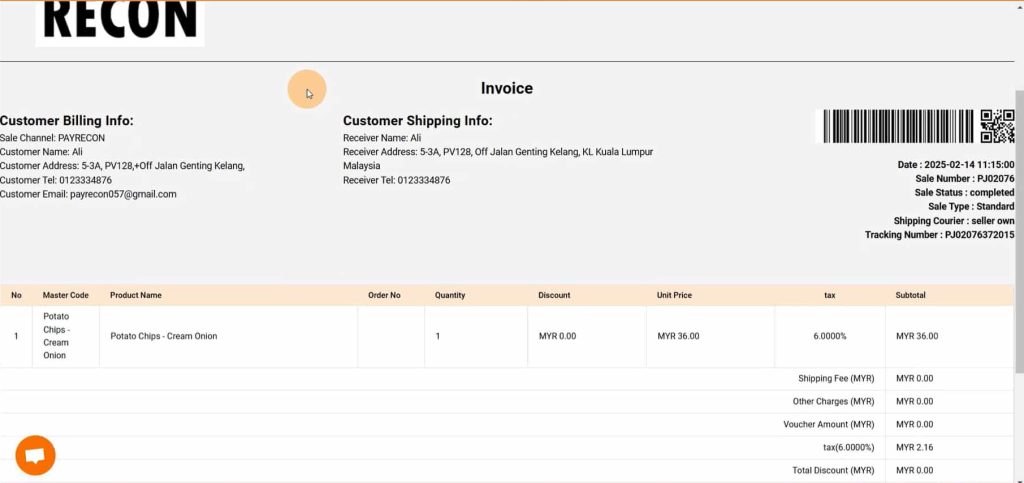
How To See Invoice For Smart POS Offline Sales STEP 1 : Click the Smart POS order, then a window will pop out. STEP 2 : After that, click the copy link button. Then, paste it on the new browser. STEP 3 : The invoice page will show up.