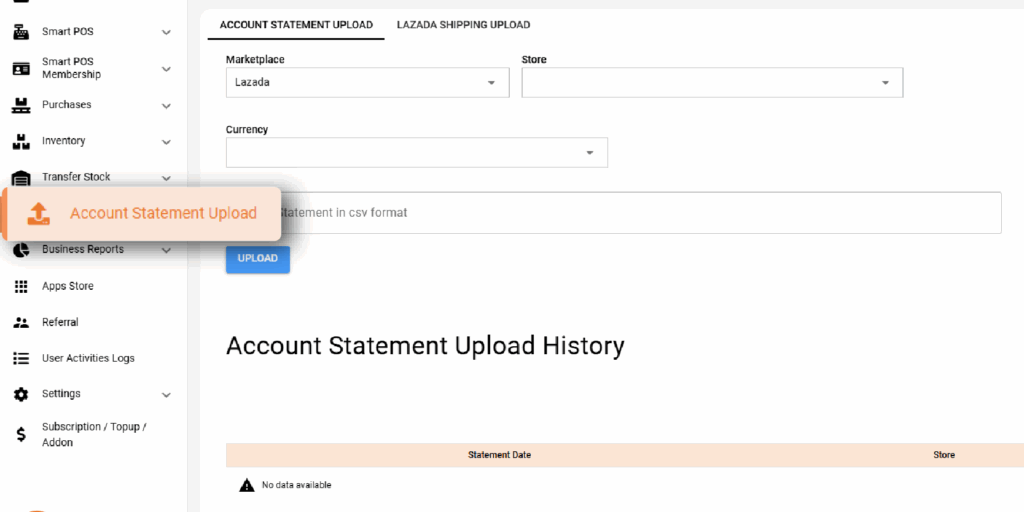
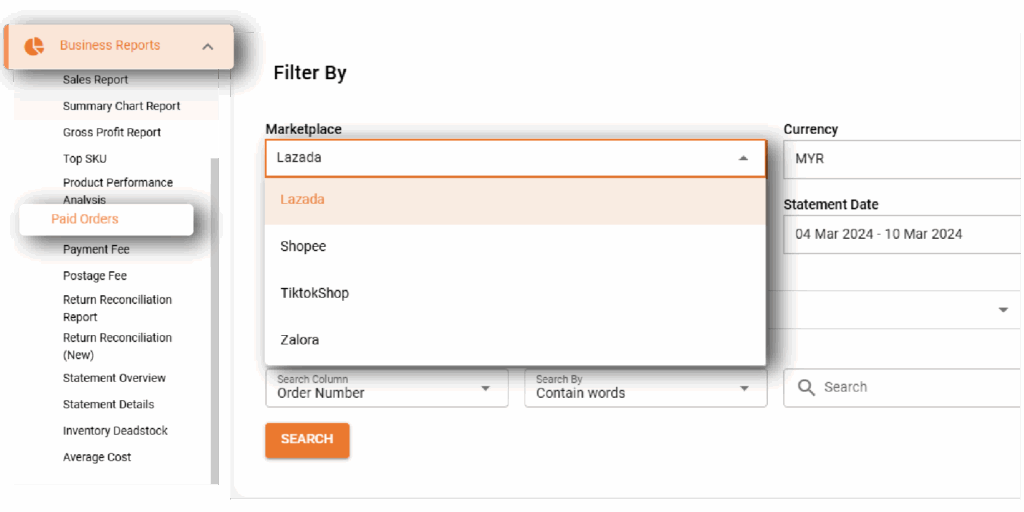
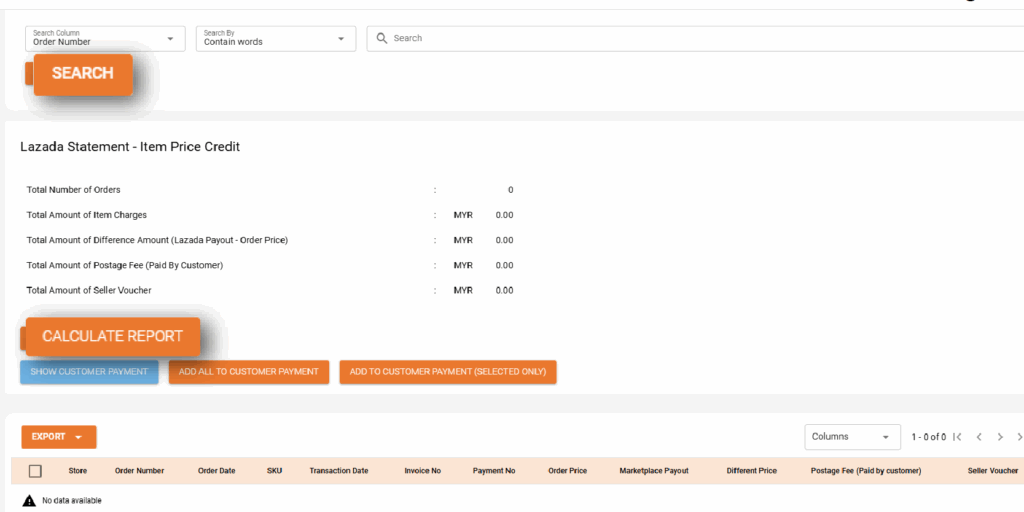
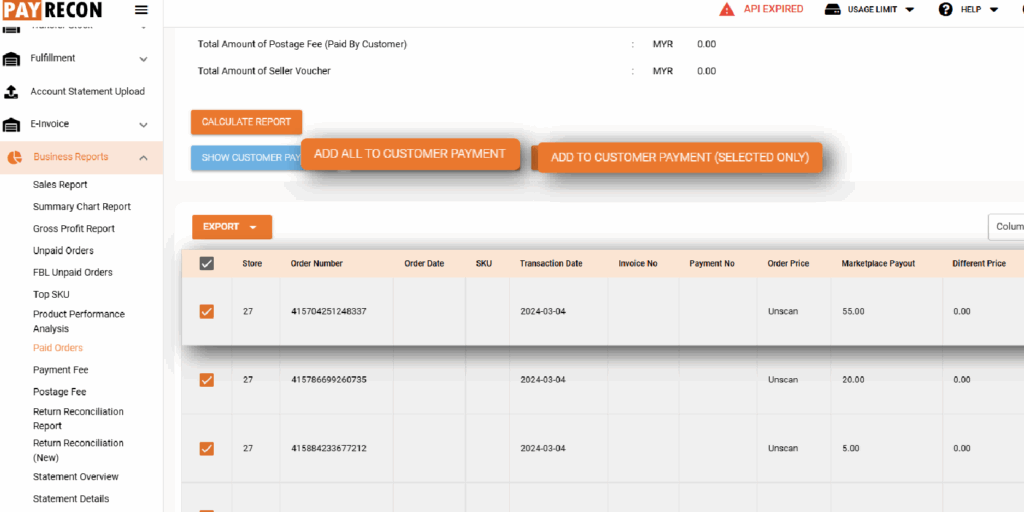
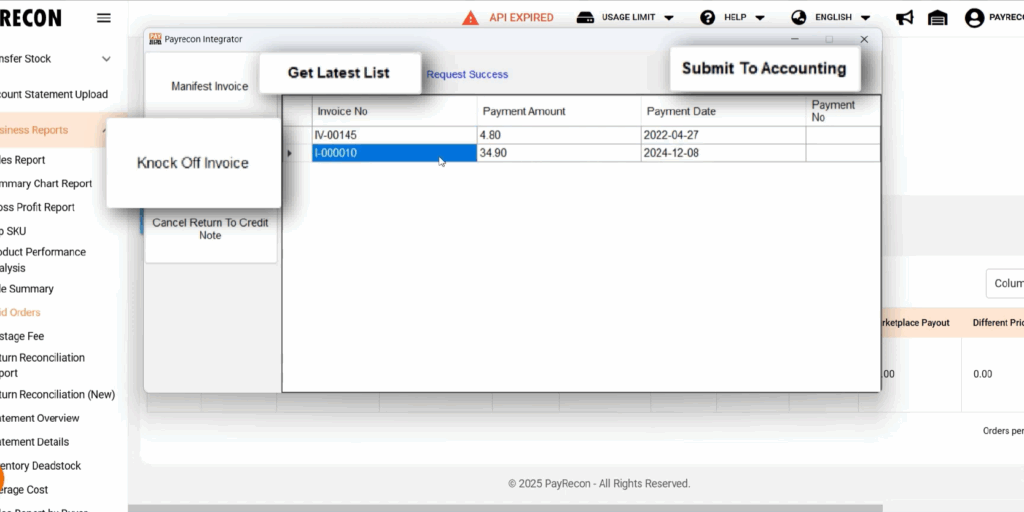
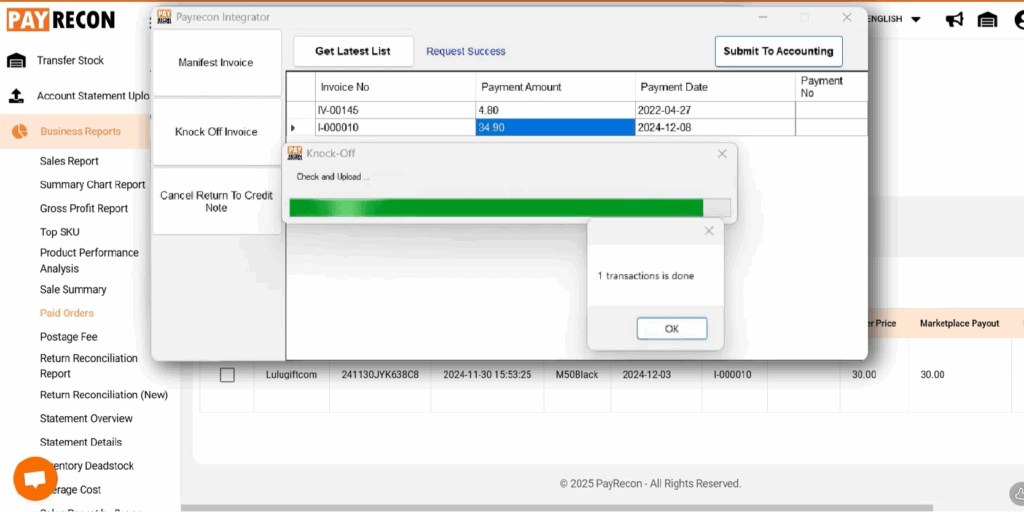
How To Knockoff Invoice to Sage X3 Step 1: Before starting, ensure you have uploaded the account statement into Payrecon Step 2: Navigate to Business ReportClick Paid Orders and select the your required marketplaceSelect the store, click the Search and Calculate Report button Step 3: Select the order(s) or click Select All to customer paymentYou can check your payment by clicking the Show Customer Payment button Step 4: Open your Account Integratorgo to the Knock Off Invoice sectionClick the Get List button. The order(s) you selected previously will appear.Finally, click Submit to Accountinhg Step 5: Your knocked-off invoice will then be passed into the Autocount accounting software