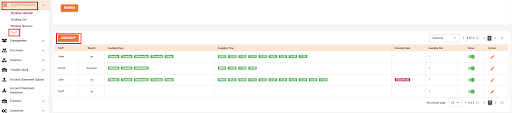
On the navigation list on the left side of the page, Navigate to ‘Smart POS Booking’.
Under ‘Smart POS Booking’, Click ‘Staff’ and you will be redirected to the Staff Page. Click the orange ‘ADD STAFF’ button
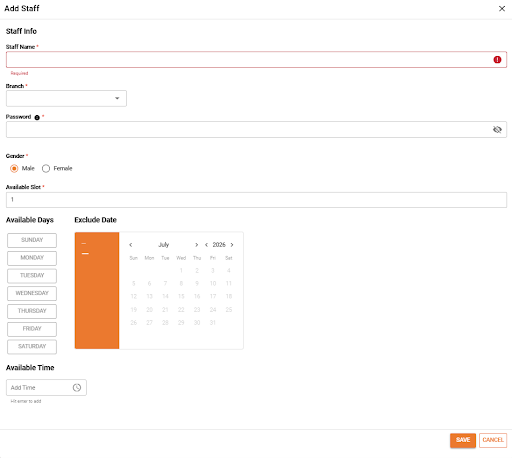
In the Add Staff pop-up window, fill in the all the required staff information, then Click “Save”
NOTE: Fields marked with (*) are mandatory.